Invoices from e-mail that process themselves
Invoices come in to the finance department from dozens of different suppliers and subcontractors - a portal for them made no sense, it would only complicate things for them. The bookkeeper had to open every e-mail, find the invoice, download it, print it, archive it and upload it into the accounting software. We automated the whole workflow: now the bookkeeper just sees in a report that it's done.
manual steps replaced by one workflow run and a few smart actions.
PDF a day to print instead of dozens of individual files.
invoices a month from various suppliers.
a month back to the finance department.
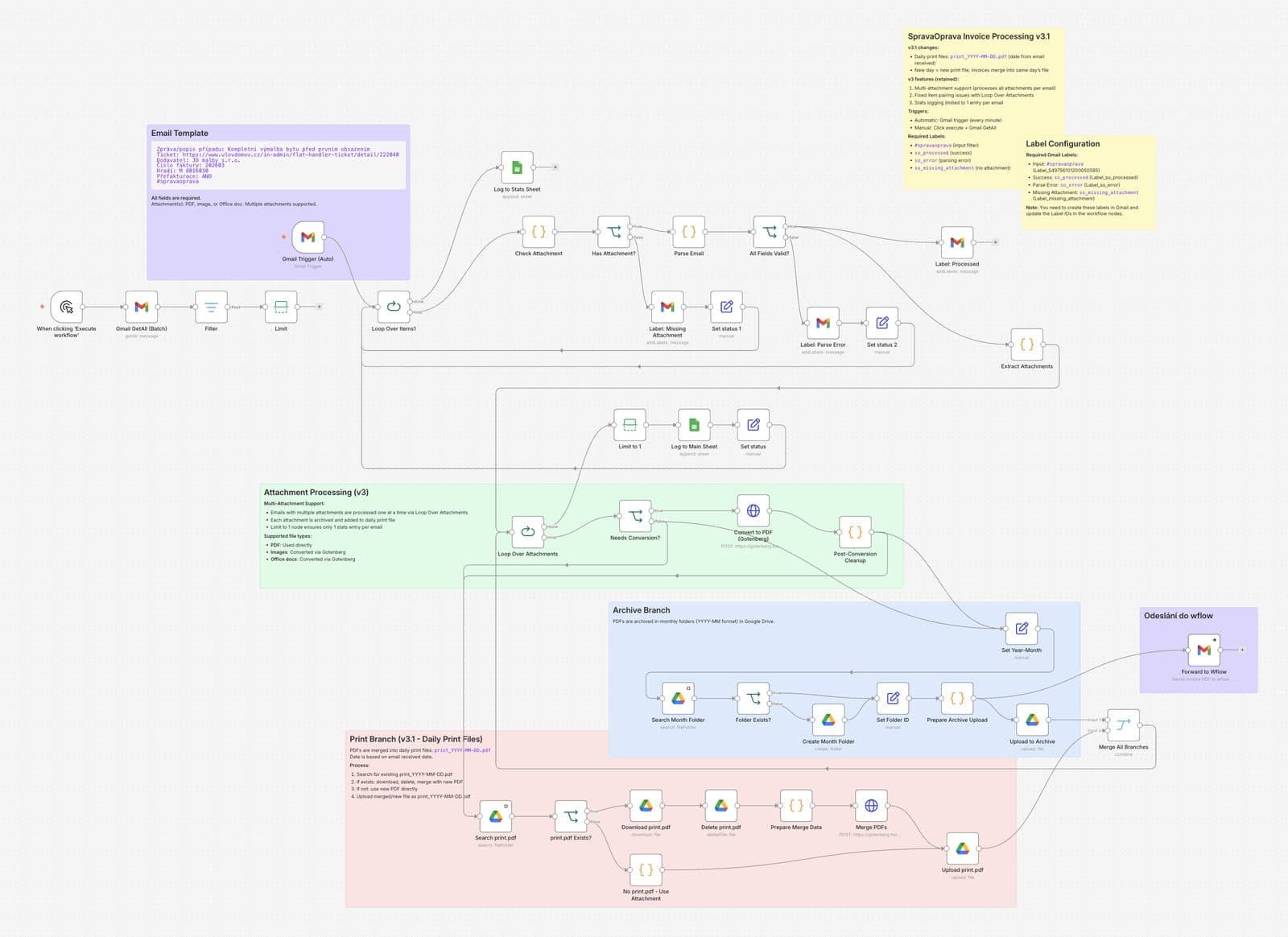
How it works
The challenge
The finance department receives 350 to 400 invoices of this kind a month, from various suppliers and subcontractors. A portal to send the invoices through would complicate the whole process mainly for them - which we didn't want. So the bookkeeper went through the same routine for every invoice: open the e-mail, find the attachment, download it to disk, print it, upload it to Google Drive for archiving, and finally upload it manually into the accounting software for extraction. Processing a single invoice typically took her around five minutes.
The solution
Instead of a portal, we automated the workflow itself. In a single run it performs all the steps for the bookkeeper - extracts the invoice from the e-mail, stores it, archives it to Google Drive and passes it to the accounting software for processing and extraction. The bookkeeper just sees in her e-mail and in a report that the invoices were processed. And because they didn't want to give up printing yet, the invoices for each day are additionally assembled automatically into one large PDF that's printed all at once - not file by file.
What the company gets
The finance department got rid of the repetitive manual routine on every invoice. Work that used to mean six steps per document now happens on its own and a person only checks a report. And thanks to one merged PDF a day, there's less clicking and less time at the printer too.
Instead of opening every e-mail, the bookkeeper just sees in a report that it's done.- a typical benefit of the solution for the company
What else we've built
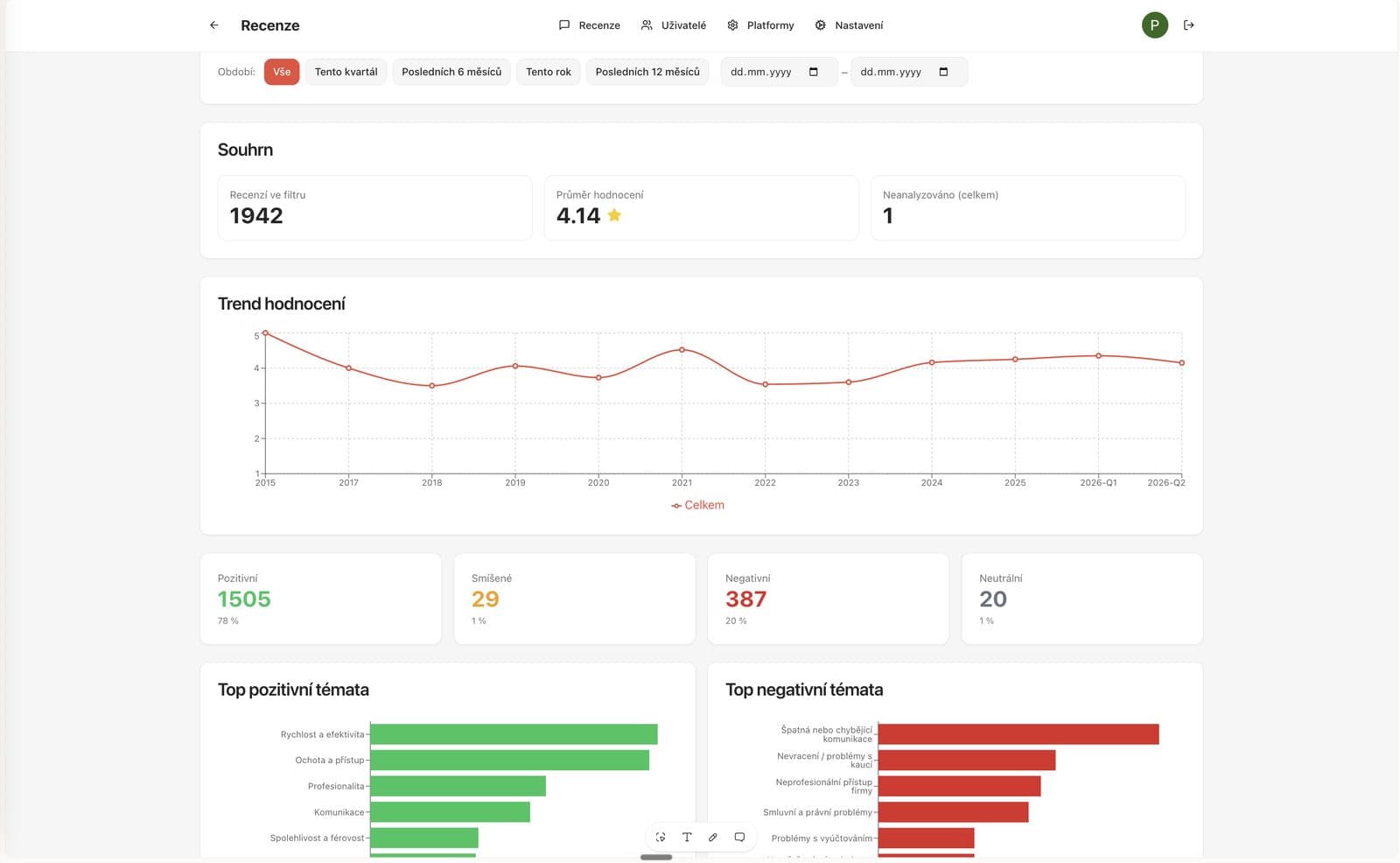
AI feedback analysis
Pulls sentiment, themes and opportunities out of hundreds of reviews. A basis for planning changes.
Read more →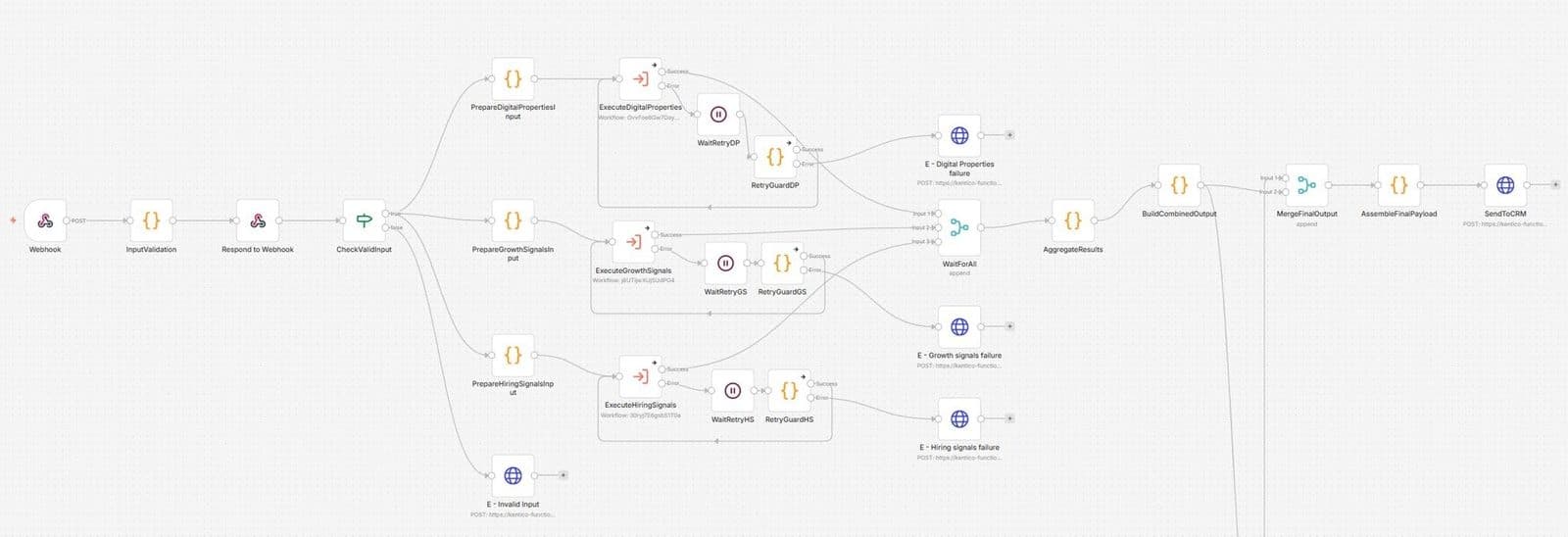
AI customer analysis from the web and social media
Watches public sources and social media, extracting signals about customers and opportunities.
Read more →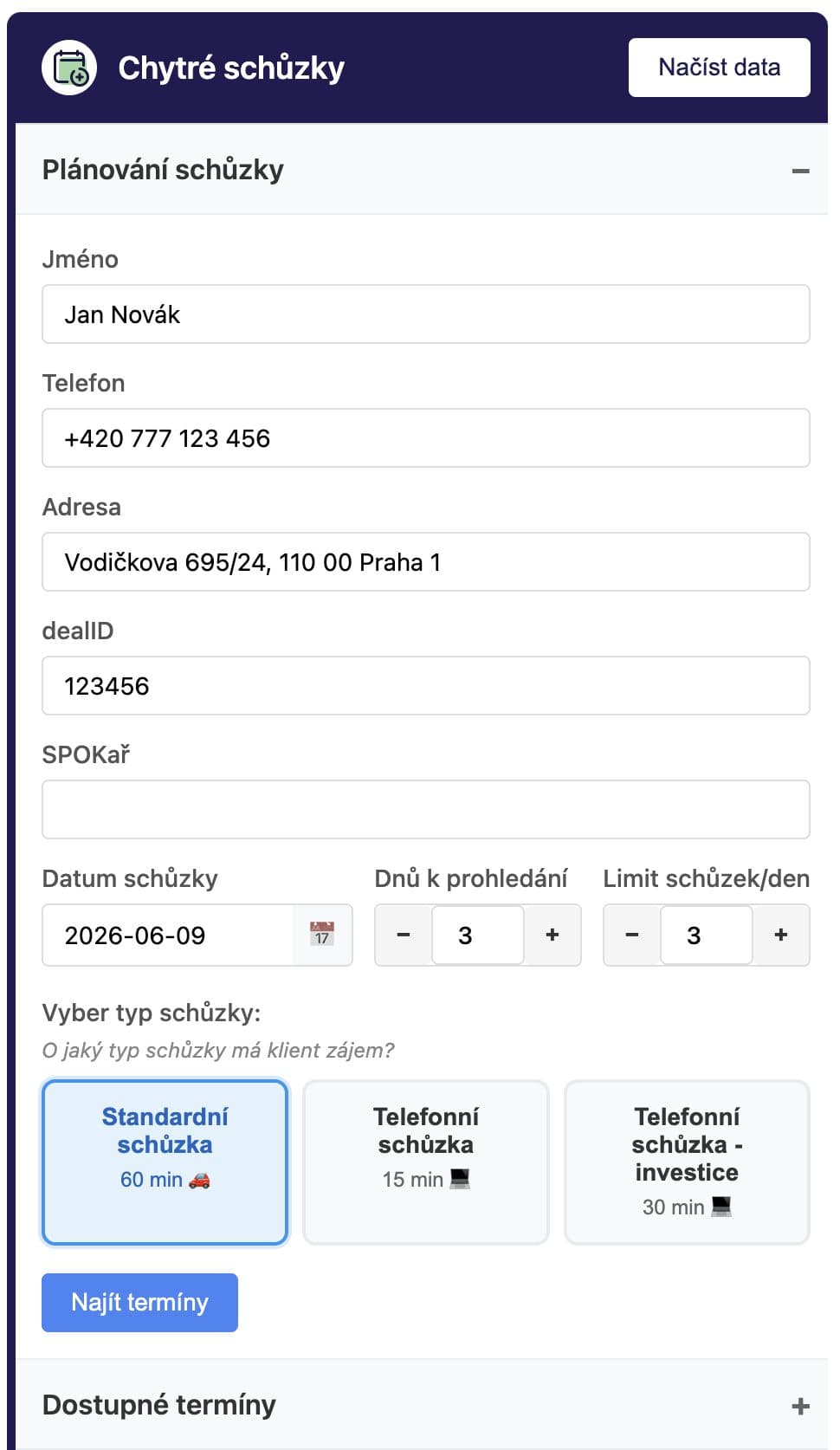
Meeting scheduling for salespeople
Calculates travel between meetings and shows the call centre every salesperson's calendar in one place. No needless driving.
Read more →Want a similar solution at your company?
Start with an audit. We'll find where AI makes the most sense in your processes.